
See it on your windows before you buy.
Introducing The Well Dressed Window Visualizer. Upload a photo of your room, choose a Hunter Douglas product, and see your windows dressed in about a minute.
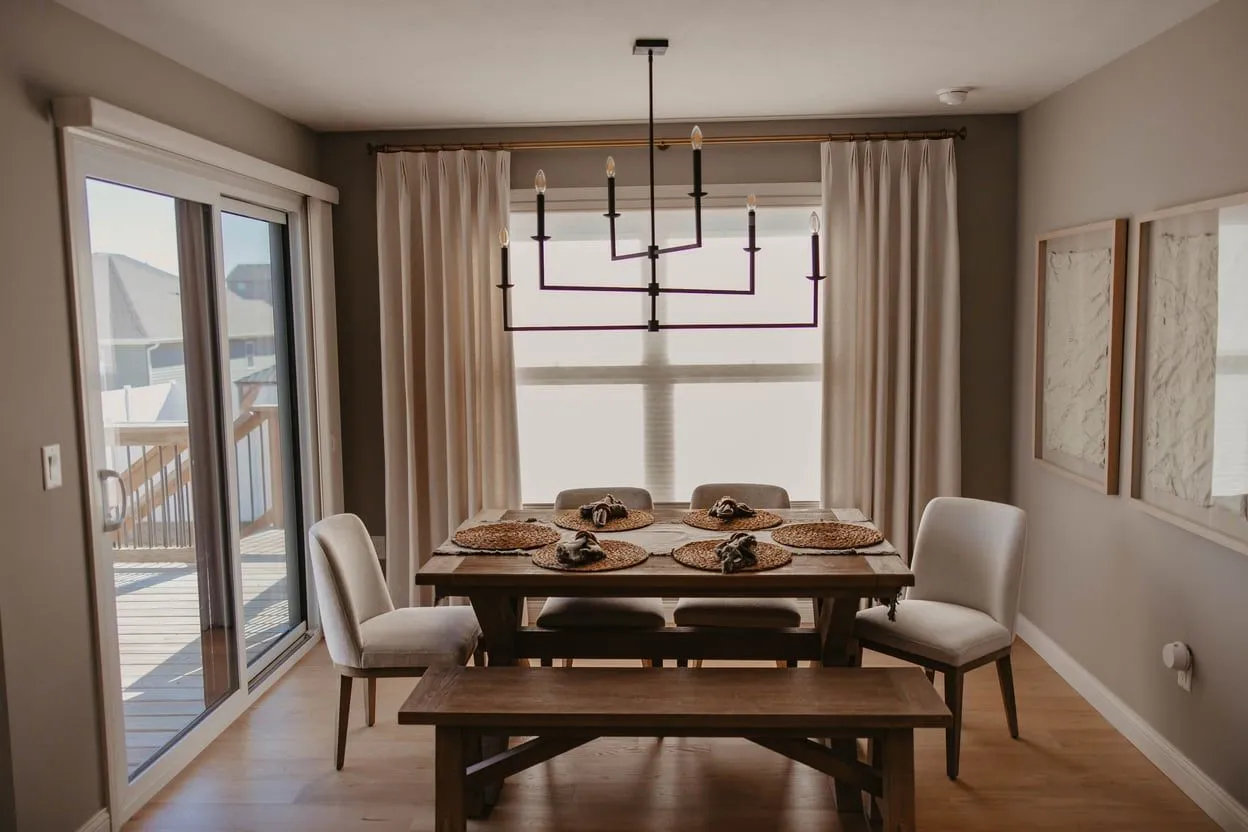
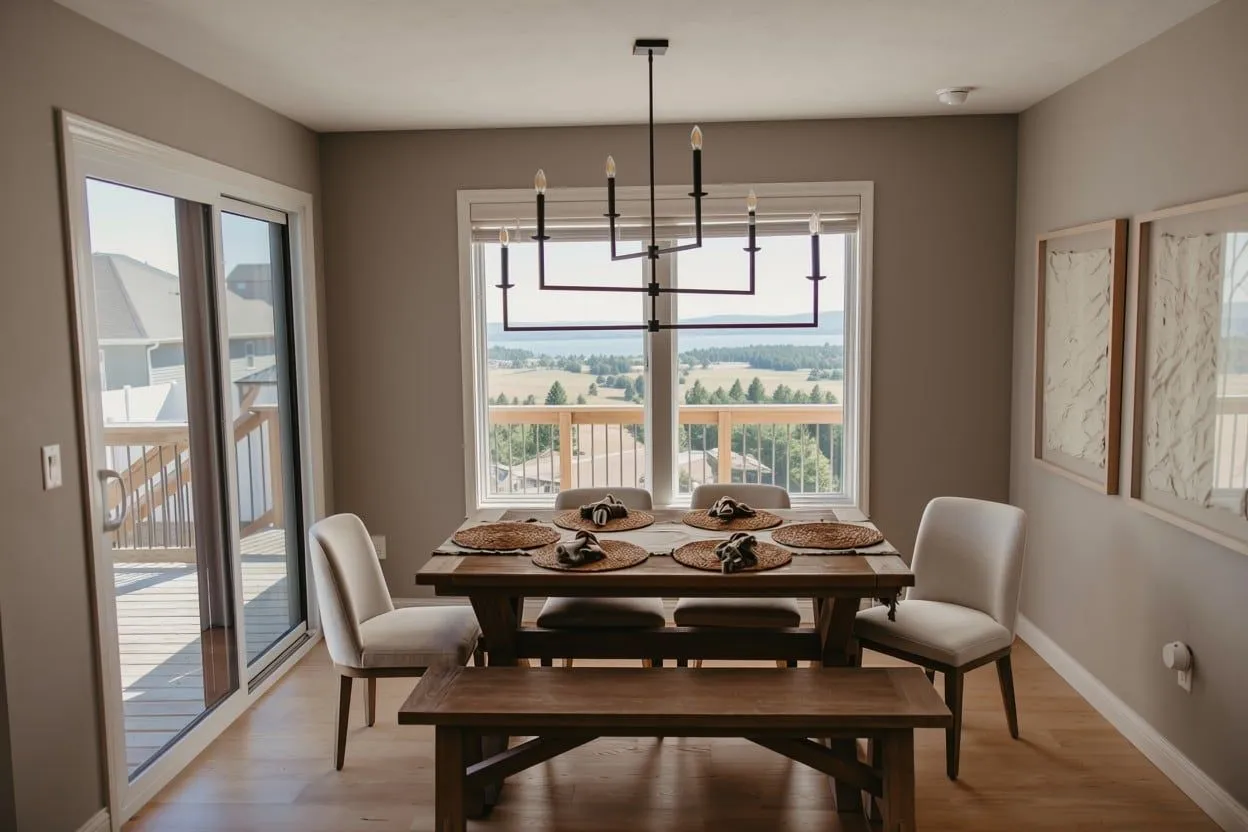
- 01
Snap your room
Take a photo of the room from across the space, with the whole window in view.
- 02
Pick a product
Choose from shutters, shadings, shades, blinds and drapery, then a color.
- 03
See the difference
In about a minute, drag the slider to compare your room before and after.
Dress your window.
Your room, dressed.
AI preview. Colors, fit and details are confirmed with real samples at your free in-home consultation.
This is AI, and it isn't perfect.
The Visualizer uses artificial intelligence to imagine a product on your windows. It's a fun, fast way to explore styles, but it's a preview, not a promise:
- Colors, textures and proportions are approximate.
- It can occasionally change other details or mistake a mirror or picture for a window.
- It isn't a quote or a measurement.
Nothing replaces seeing real samples in your own light. Your designer confirms every detail, free of charge, before anything is ordered.
Your photo is sent to Google's AI to create the preview and isn't saved on our website.
- Stand back. Shoot from across the room so the whole window and some wall around it are in the frame.
- Use daylight. Bright, even light gives the most realistic results.
- Hold it level. A straight-on photo works better than a steep angle.
- One wall at a time. Photos focused on one window wall come out cleanest.
- Try a few. Each try is a little different, so try a second time if the first isn't quite right.
Visualizer FAQ
Is the visualizer free?
Yes. Enter your email and you can try several products on your own photos at no cost.
How accurate is it?
It's an AI preview, so treat it as inspiration. It shows the style and feel of a product in your room, but colors, sizes and fit can be off, and now and then it changes something it shouldn't. Your designer confirms every detail with real samples at your free consultation.
What happens to my photo?
Your photo is sent to Google's AI to create the preview and is not saved on our website. We use your email only to follow up about your project.
Why remove my current blinds first?
Most homes already have something on the windows. The visualizer takes those off first so you see the new product cleanly, not layered over the old one. If your windows are bare, you can skip that step.
I'm one of your designers. How do I use it with a client?
Choose "I have a designer code" and enter the team code. There's no daily limit for the team.
Love what you see?
Book a free in-home consultation and see the real thing in your own light.
About this tool
The Well Dressed Window Visualizer was created by The Well Dressed Window, an independent, authorized Hunter Douglas dealer. It is not a Hunter Douglas tool and is not sponsored or endorsed by Hunter Douglas.
Previews are created by artificial intelligence from your photo and a written description of the product you choose. No Hunter Douglas photography, videos or other marketing materials are used to create them. Previews are artistic approximations, not photographs of Hunter Douglas products, and may not show exact colors, materials, sizes or operation.
To see actual products, visit one of our showrooms or book a free in-home consultation, where your designer will show you real samples.
Hunter Douglas, Pirouette®, Duette® and other product names are trademarks of Hunter Douglas.