
Motorized Shades with Alexa, Google Home or Apple Home
A lot of homes already have a smart speaker in the kitchen or an Apple TV in the living room. If you’re getting motorized shades, it’s natural to want them to work with what you have. With Hunter Douglas PowerView® Automation, they can.
What works with what
PowerView Automation connects to the three systems most homes use:
- Amazon Alexa. Turn it on from the PowerView® App, then say things like “Alexa, open the living room shades” or run your scenes by voice.
- Google Home. Your PowerView scenes come over to Google Home, and you can also control single shades.
- Apple Home. Shades show up in the Home app next to your lights and thermostat, and Siri can run them. Apple Home also needs an Apple home hub (an Apple TV or HomePod) for the best experience.
All three go through the PowerView Gateway, a small device that connects your shades to your home network. For Apple Home and Google Home it uses Matter, the newer standard that lets devices from different brands work together.
There’s one thing worth knowing ahead of time. Scenes and schedules you set up in the PowerView App carry over to Alexa and to Google’s built-in connection, but Apple Home keeps its own. If Apple Home is your main system, you’ll set those up again in the Home app. It takes a few minutes, and we can walk you through it.
You don’t have to use your voice
Voice control is fun, but most days people don’t use it. What they rely on is:
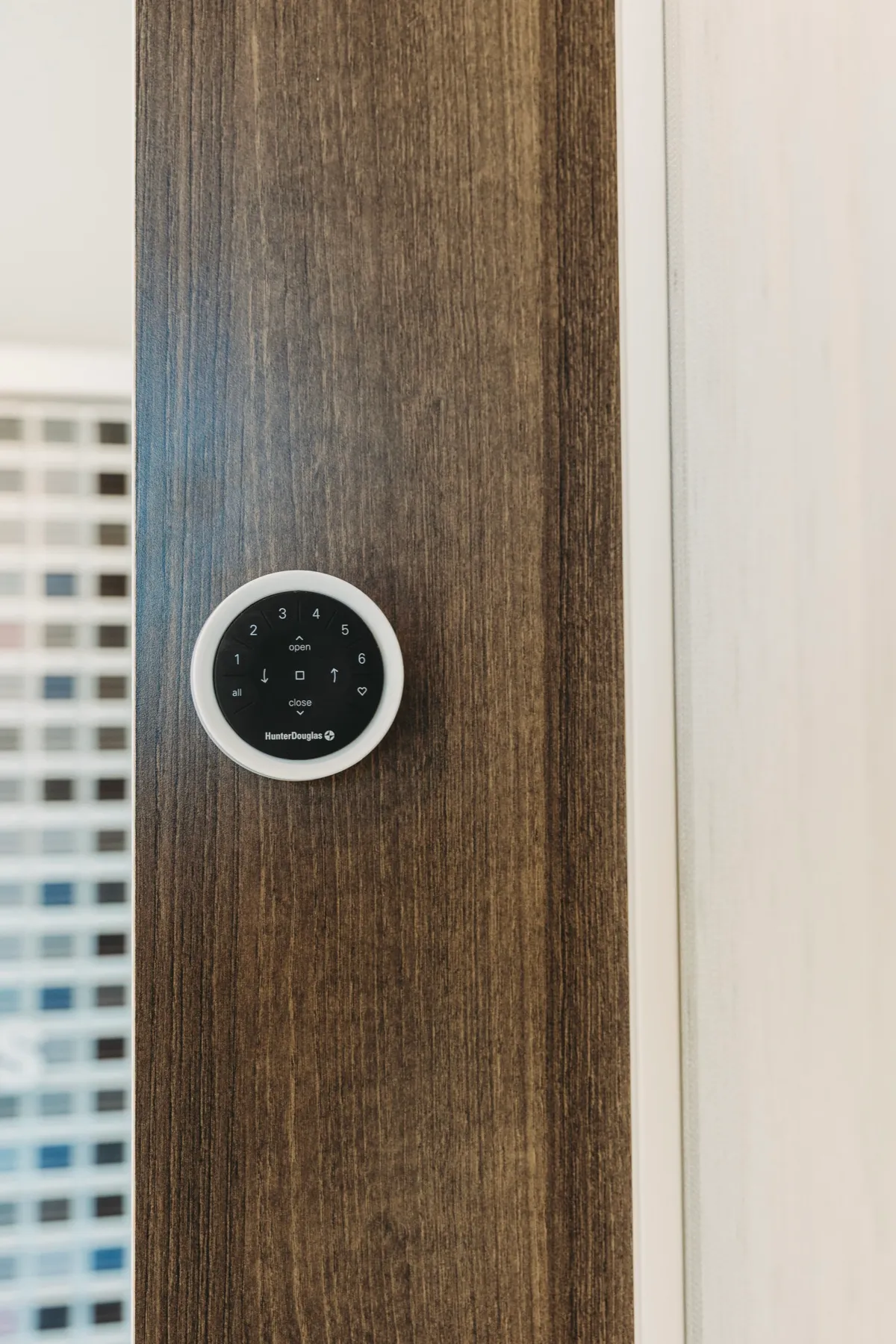
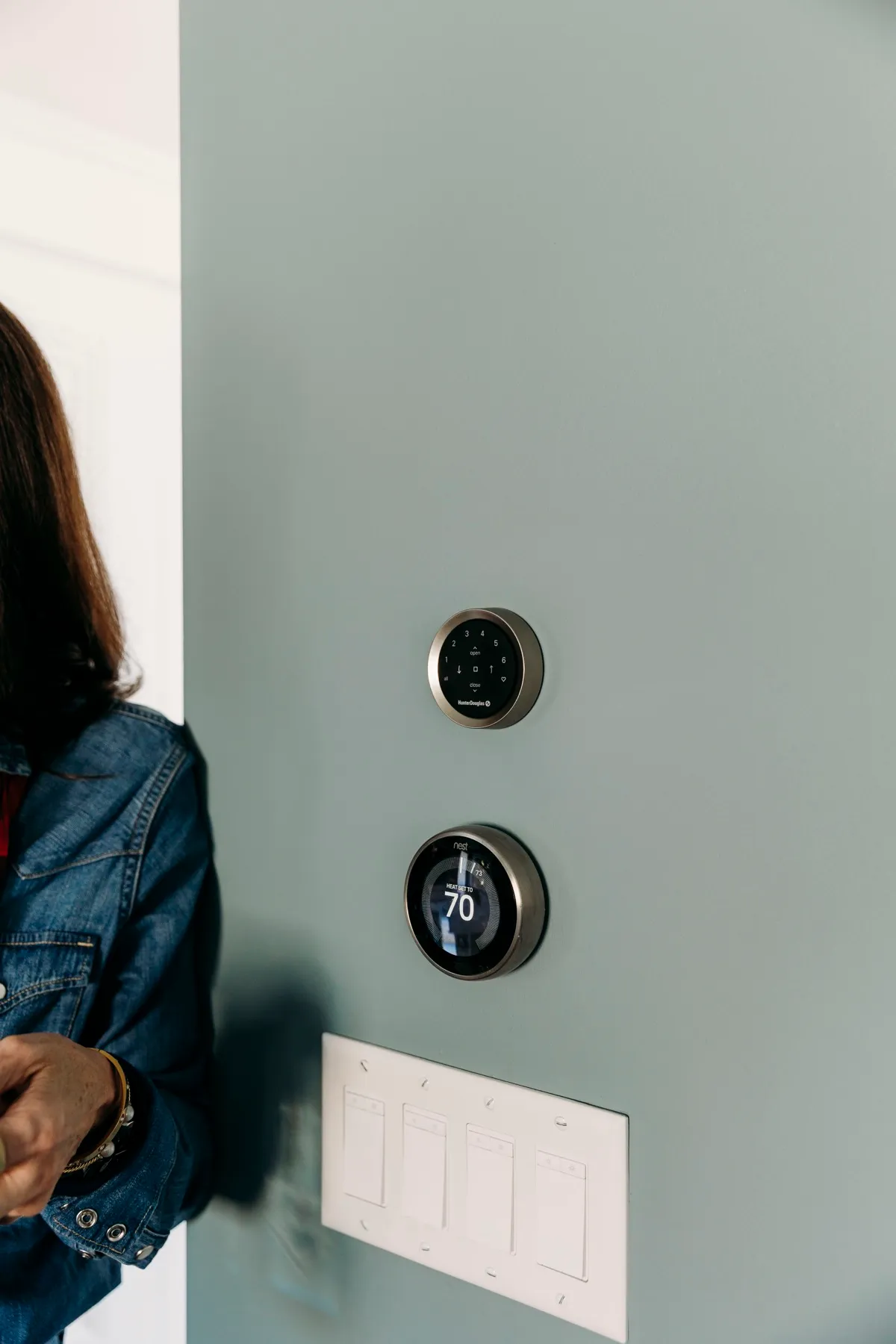
- A remote or wall control. Small handheld remotes and wall-mounted controls work without Wi-Fi or a phone, which matters for guests, kids and grandparents.
- Schedules. Shades open at 7 and close at sunset, every day, without anyone touching them.
- Scenes. One tap sets a whole room, like “movie” or “good night.”
Routines people actually use
- Wake up to daylight. Bedroom shades rise a little before the alarm.
- Protect the floors. West-facing shades close at 2 in the afternoon in summer. That helps with sun fading and keeps the room cooler.
- Away mode. Shades open and close on a normal schedule while you travel, so the house looks lived in.
- Movie night. A single phrase dims the lights and closes the family room shades.
- Hard-to-reach windows. Tall windows and skylights, where a cord or wand isn’t practical, just work. More on that in window treatments for tall and large windows.
Which shades can be motorized?
Most Hunter Douglas shades can be ordered with PowerView Automation. That includes cellular, roller, sheer and Roman styles, plus some blinds and drapery. Battery, rechargeable and hardwired power are all possible, depending on the shade and the room. New construction is the easiest time to plan for hardwiring. See our post on window treatments for new construction.
Getting it set up
Our team sets up the shades, remotes, app and gateway as part of the install, and makes sure your first scenes and schedules work before we leave. Members of our team helped beta test PowerView Gen 3 for Hunter Douglas, so it’s something we know well. If you add Alexa, Google or Apple Home, we’ll help you get it connected.
New to motorized shades in general? Start with our beginner’s guide to motorized shades or the motorization page. Or book a free in-home consultation and try a demo shade at your own window.
The PowerView® App is required for programmed operation. Amazon, Alexa, Google, Google Home, Apple, Siri, Apple TV, HomePod and Matter are trademarks of their respective owners.
Common questions
Do I need a hub to control my shades with Alexa or Google?
Yes. PowerView® Automation connects to smart home systems through the PowerView Gateway, which sits on your home network. Your designer will tell you if your setup needs one.
Will my shades still work if the Wi-Fi goes down?
Yes. Remotes and wall controls talk to the shades directly, so they keep working. Voice control and the app away from home need the internet.
Can I add smart home control later?
Usually, yes, as long as the shades were ordered with PowerView Automation. Adding a gateway later is common.